

Windows 10 End of Support: An Important Update for Businesses
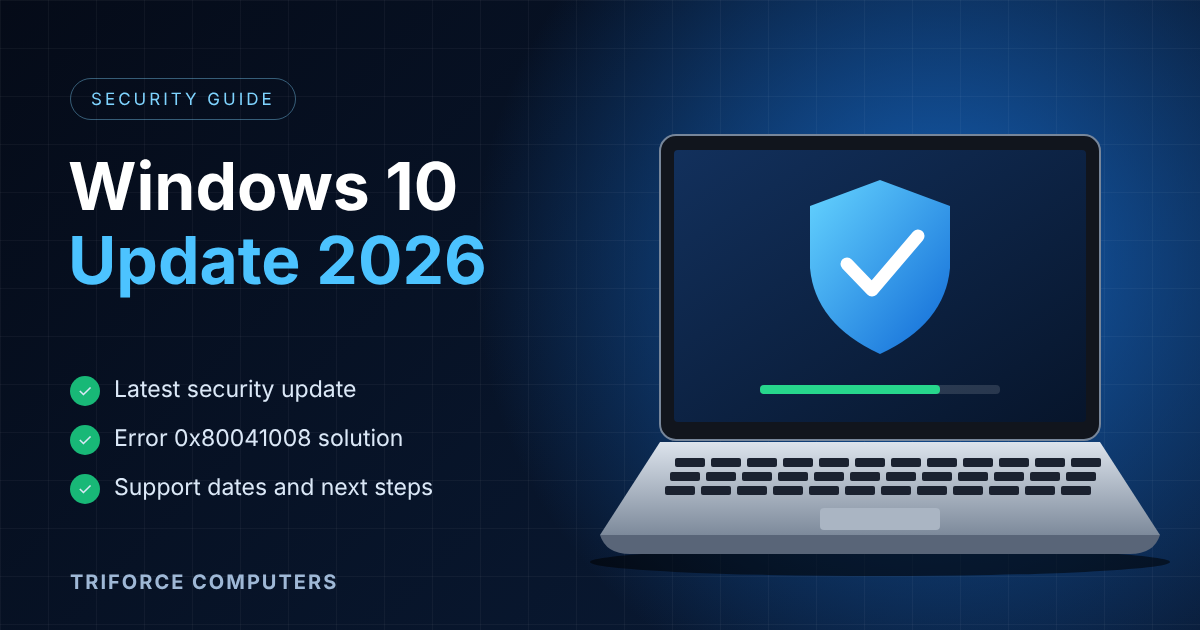
Windows 10 has been widely used by businesses, offices and individuals for everyday computing. However, Microsoft officially ended standard support for Windows 10 on October 14, 2025.
Although computers running Windows 10 will continue to function, standard security updates and technical support are no longer available unless the device is covered by an applicable Extended Security Updates (ESU) programme.
For businesses that rely on computers for daily operations, customer information, financial records and internal communication, understanding this change is important for maintaining a secure and reliable IT environment.
In this article, we explain what Windows 10 end of support means, how it affects businesses and what companies can do to protect their IT infrastructure.
1. What Does Windows 10 End of Support Mean?
When an operating system reaches the end of its standard support lifecycle, it no longer receives regular security updates, feature improvements or standard technical support from its manufacturer.
Windows 10 computers can still be used, but devices that are not covered by an applicable Extended Security Updates (ESU) programme will no longer receive standard security updates.
For businesses, this means reviewing existing computers and planning appropriate security measures, upgrades or replacements.
2. Security Risks of Using an Unsupported Operating System
Operating system security plays an important role in protecting business data, devices and digital operations. Using a system without regular security updates can increase exposure to cybersecurity threats.
- Malware and virus infections
- Unpatched security vulnerabilities
- Unauthorized access to sensitive information
- Potential data loss or security incidents
- Compatibility concerns with future applications
Businesses should review their security practices and avoid unnecessary risks when managing company computers.
3. How Can It Affect Business Operations?
Computers are essential tools for daily business activities. Operating system support changes may affect software compatibility, IT maintenance and business security planning.
- Business Security: Protect company files, customer information and sensitive records.
- Software Compatibility: Review whether essential business applications remain supported.
- Productivity: Avoid unnecessary interruptions caused by technical issues.
- IT Maintenance: Older devices may require additional maintenance and monitoring.
- Business Continuity: Plan upgrades to reduce downtime and unexpected disruptions.
4. What Should Businesses Do?
Companies should take a proactive approach to reviewing their computer systems and planning future IT requirements.
- Identify computers currently running Windows 10.
- Check hardware compatibility and system condition.
- Back up important business data and documents.
- Review essential software and application requirements.
- Evaluate security and data protection measures.
- Plan suitable upgrades or computer replacements.
A structured IT review can help businesses manage their technology more efficiently and make informed decisions.
5. Upgrade or Replace Older Computers?
Some existing computers may be suitable for upgrading, while others may not meet the hardware requirements of newer operating systems.
Depending on the computer's condition, specifications and business needs, companies may consider:
- Upgrading compatible hardware components
- Moving to a supported operating system
- Replacing outdated laptops or desktops
- Checking eligibility for Microsoft's Extended Security Updates programme
- Investing in modern computers for long-term business use
The right decision depends on the company's budget, hardware condition, software requirements and security needs.
6. Why Professional IT Support Matters
Technology upgrades require proper assessment and planning. Professional IT assistance can help reduce installation problems, protect important data and ensure computers are configured correctly.
A professional IT assessment may include:
- Hardware inspection and compatibility checks
- Data backup planning
- Operating system installation and configuration
- Software and driver checks
- Network and device configuration
- Performance and functionality testing
Proper preparation helps businesses maintain reliable computer systems and reduce unnecessary downtime.
7. Upgrade Options: Moving Towards Windows 11
For computers that meet the necessary hardware requirements, upgrading to Windows 11 is one option for moving to a currently supported Windows operating system.
Windows 11 offers a modern interface, updated security capabilities, improved multitasking features and support for newer hardware. Businesses should check application compatibility and plan the upgrade before implementation.
For older computers that are not compatible, replacing them with suitable modern laptops or desktops may be a more practical long-term solution.
8. IT Products and Technology Solutions from Triforce Computer Systems
Looking to upgrade your office computers, improve your IT infrastructure or source reliable technology equipment for your business?
Triforce Computer Systems provides IT products and technology solutions for businesses and individual customers in Abu Dhabi and across the UAE.
- New and used laptops and desktop computers
- Computer accessories and IT equipment
- Printers and scanners
- Networking and Wi-Fi solutions
- CCTV installation and security systems
- Software solutions and IT technical support
- Website development and graphic design
Whether you need computers for your office, networking equipment, IT accessories or technology support, our team is ready to help you find suitable and cost-effective solutions.
Contact Triforce Computer Systems
Contact our team to discuss your business IT requirements and explore the right technology solutions for your organization.
Website: www.triforcecomputers.com
Email: info@triforcecomputers.com
Phone: +971 56 281 9160
Triforce Computer Systems – Your Trusted IT Solutions Partner.
Related services: Laptop repair · All IT services · Contact.