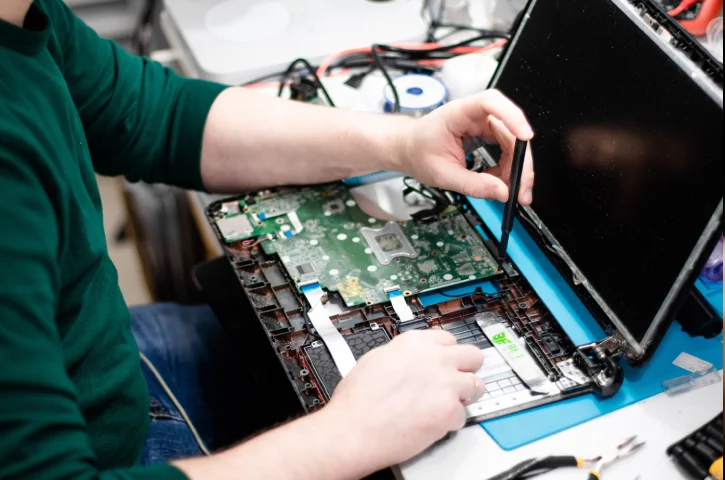


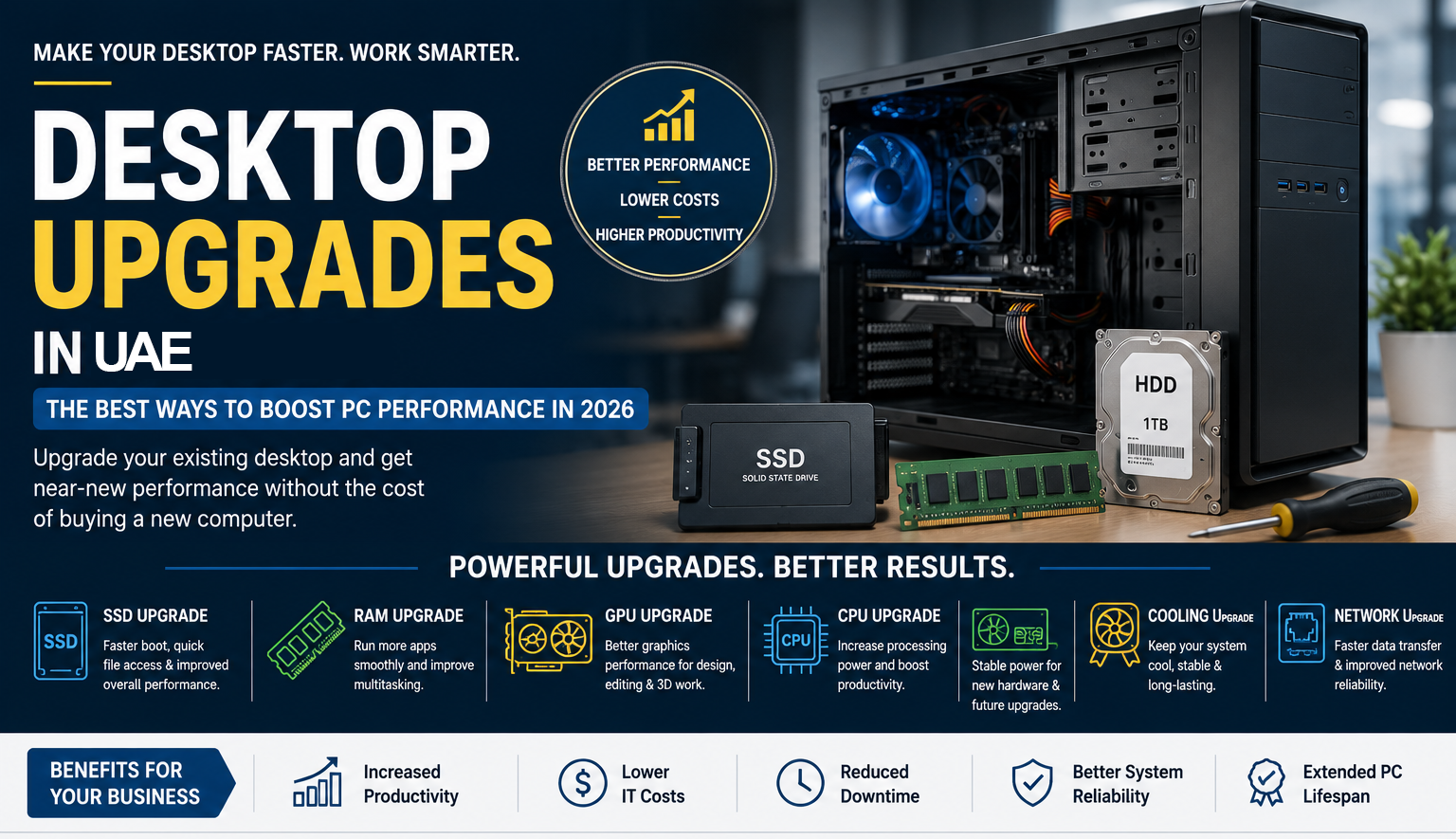
Many businesses assume that a slow desktop computer means it's time to buy a new one. However, in many cases, a professional desktop upgrade can significantly improve performance at a fraction of the cost of replacement.
Whether you're running office applications, accounting software, design tools, ERP systems, or business management software, upgrading your existing desktop can extend its lifespan and improve employee productivity.
This guide explains the most effective desktop upgrades for businesses in Abu Dhabi and how they can deliver near-new performance without the expense of purchasing new computers.
1. SSD Upgrade: The Most Effective Performance Boost
If your desktop still uses a traditional hard drive (HDD), upgrading to a Solid State Drive (SSD) can dramatically transform performance.
Benefits of SSD Upgrades
- Faster startup times
- Quicker application loading
- Improved system responsiveness
- Better reliability
- Reduced system lag
Typical Results
- Boot times reduced from 2–3 minutes to under 20 seconds
- Faster file transfers
- Improved multitasking performance
- Enhanced user experience
Best for: Office PCs, accounting systems, business workstations, and administrative computers.
2. RAM Upgrade for Better Multitasking
Insufficient RAM is one of the most common causes of slow desktop performance.
Signs You Need More RAM
- Slow performance with multiple browser tabs
- Frequent freezing or lagging
- Delays when switching applications
- Poor multitasking performance
Recommended RAM Capacity
- 8GB: Basic office use
- 16GB: Business multitasking
- 32GB+: Design, engineering, virtualization, and advanced workloads
RAM upgrades are often one of the most affordable ways to improve desktop performance.
3. Graphics Card (GPU) Upgrade
Businesses using graphic-intensive software can benefit significantly from a dedicated graphics card upgrade.
Ideal for:
- Graphic design
- Video editing
- 3D rendering
- CAD software
- AI-powered applications
- Architectural visualization
Benefits
- Faster rendering speeds
- Improved visual performance
- Enhanced productivity
- Better support for modern creative software
4. Processor (CPU) Upgrade
Some desktop systems allow processor upgrades, providing significant performance improvements without replacing the entire computer.
Consider a CPU Upgrade If:
- Your processor is several generations old
- Applications are CPU-intensive
- Your motherboard supports newer processors
- Employees experience slow performance during heavy workloads
Benefits
- Faster processing speeds
- Improved multitasking
- Better application performance
- Enhanced overall system responsiveness
5. Power Supply Upgrade
Power supplies are often overlooked during desktop upgrades but are critical for system stability.
Reasons to Upgrade
- Installing a new graphics card
- Supporting additional storage devices
- Improving overall system reliability
- Preparing for future upgrades
A quality power supply helps ensure stable performance and protects valuable hardware components.
6. Cooling System Upgrade
Excessive heat can reduce performance and shorten the lifespan of computer components.
Cooling Upgrade Options
- High-performance CPU coolers
- Additional case fans
- Improved airflow design
- Thermal paste replacement
Benefits
- Stable system performance
- Reduced hardware stress
- Longer component lifespan
- Lower risk of overheating-related failures
7. Network Card Upgrade
For businesses relying on fast internet connectivity and large data transfers, upgrading network hardware can improve productivity.
Benefits
- Faster network speeds
- Improved file transfers
- Better reliability
- Enhanced cloud application performance
When Should You Upgrade Instead of Replace?
Upgrade If:
- Desktop is under 5 years old
- Performance issues are hardware-related
- Repair and upgrade costs are reasonable
- Business applications still run efficiently
- Windows 11 compatibility exists
Replace If:
- Desktop is over 7 years old
- Motherboard is failing
- Multiple hardware components require replacement
- Windows 11 compatibility issues exist
- Performance remains poor after upgrades
Desktop Upgrade Cost Comparison
| Solution | Estimated Cost |
|---|---|
| SSD Upgrade | AED 150 – AED 500 |
| RAM Upgrade | AED 100 – AED 600 |
| GPU Upgrade | AED 500 – AED 3,000+ |
| New Business Desktop | AED 2,000 – AED 6,000+ |
Benefits of Desktop Upgrades for Businesses
Increased Productivity
Employees spend less time waiting for systems to load applications and process tasks.
Lower IT Costs
Extending the life of existing hardware reduces capital expenditure.
Reduced Downtime
Upgrades are typically completed faster than replacing and reconfiguring new systems.
Better Return on Investment
Businesses maximize the value of their existing technology investments.
Why Choose Triforce Computer Systems?
At Triforce Computer Systems, we provide:
- SSD upgrades
- RAM upgrades
- Desktop performance optimization
- Hardware diagnostics
- Business PC upgrades
- Windows 11 readiness assessments
- IT support services
- Annual Maintenance Contracts (AMC)
We help businesses throughout Abu Dhabi improve desktop performance while minimizing technology costs.
Final Thoughts
Before replacing your office desktops, consider a professional upgrade assessment. Upgrading SSDs, RAM, processors, and other components can often deliver near-new performance while saving thousands of dirhams.
For many Abu Dhabi businesses, desktop upgrades remain one of the smartest and most cost-effective IT investments in 2026.
Need a desktop performance upgrade? Contact Triforce Computer Systems for professional desktop diagnostics, hardware upgrades, and business IT support.
WhatsApp: +971 56 281 9160